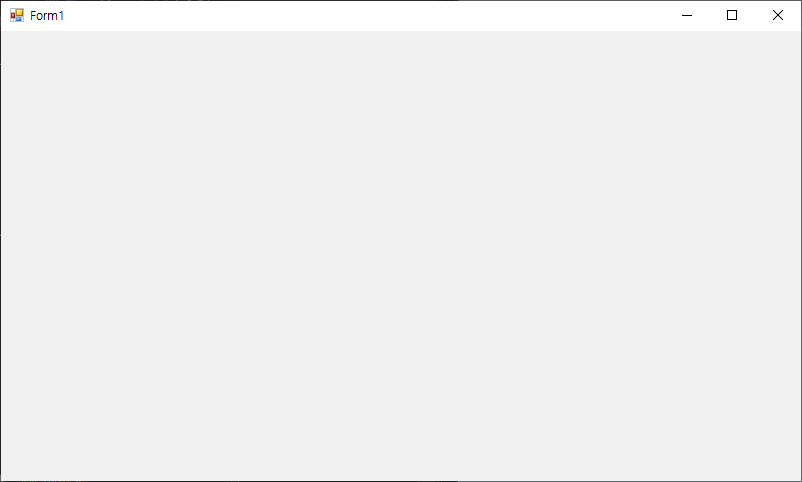
C#의 기본 WinForm에서 맨위에 테두리 창이 디자인 적으로 예쁘지 않기 때문에 해당 부분을 없애고 따로 창을 움직일 수 있는 이벤트를 주고자 한다.


MouseDown 이벤트 더블클릭
using System;
using System.Collections.Generic;
using System.ComponentModel;
using System.Data;
using System.Drawing;
using System.Linq;
using System.Runtime.InteropServices;
using System.Text;
using System.Threading.Tasks;
using System.Windows.Forms;

namespace TestWinForm
{
    public partial class Form1 : Form
    {
        public Form1()
        {
            InitializeComponent();
        }
        [DllImport("user32.DLL", EntryPoint = "ReleaseCapture")]
        private extern static void ReleaseCapture();

        [DllImport("user32.DLL", EntryPoint = "SendMessage")]
        private extern static void SendMessage(System.IntPtr hWnd, int wMsg, int wParam, int IParam);

        private void Form1_MouseDown(object sender, MouseEventArgs e)
        {
            ReleaseCapture();
            SendMessage(this.Handle, 0x112, 0xf012, 0);
        }
    }
}
주의점: 창 내리기, 전체화면, 끄기 버튼은 따로 구현해야 한다.
'Development > C#' 카테고리의 다른 글
| C# Winform OpenCvSharp4 라이브러리 (0) | 2023.05.03 |
|---|---|
| C# Winform Panel 위에 버튼 활성화 이벤트 (0) | 2023.03.29 |
| C# winForm UI FramWork MetroForm Ui 추가 하기 (0) | 2023.02.13 |
| C# 같은 솔루션의 폼에서 다른 프로젝트의 폼 띄우기 (0) | 2023.01.18 |
| C# WinForm Tap 순서 바꾸기, Tap이 가지 않도록 하기 (0) | 2022.12.29 |